
FUT 23 Draft Builder – Build Smarter Squads
Overview
The FUT 23 Draft Builder – FUTBIN is a mobile companion app developed by Better Collective, designed to support players of the football simulation game FIFA 23. It serves as a strategic tool for constructing and managing draft squads outside the main game environment, enabling users to plan and optimize team compositions from their smartphones or tablets. The app addresses the complexity of squad building by offering structured guidance through the game’s chemistry system, which can be challenging for new or casual players. It is particularly useful for those who want to maximize their in-game performance without being tied to a console or PC.
Target users include FIFA 23 enthusiasts, competitive players, and casual gamers looking to improve their squad-building efficiency. The app supports real-world gameplay scenarios such as preparing for online drafts, optimizing player chemistry, and comparing squad value across platforms. By allowing users to save custom squad names and share them with others, it facilitates collaboration and strategy exchange within the FIFA 23 community. The app is part of a broader ecosystem that includes the FUT 23 Web App Online and the FUT 23 Companion App, making it a valuable addition to a multi-tool setup.
While the developer, Better Collective, is known for its sports gaming tools, specific company details were not included in the provided information. The app functions as a standalone utility, though it integrates with other platforms to enhance overall gameplay convenience. Its core purpose is to streamline squad construction and provide actionable insights through visual summaries and pricing data.
Key Features & Capabilities
- Squad Building Interface: Users can select players for each position, including substitutes and a manager, across multiple formations. This allows for flexible planning and comparison of different team setups.
- Chemistry System Guide: A dedicated feature explaining the FUT 23 Chemistry System, helping users understand how player chemistry affects overall team performance and efficiency.
- Real-Time Draft Rating Calculation: The app calculates a Draft Rating based on the squad’s star rating and chemistry level, offering a single metric to evaluate team strength.
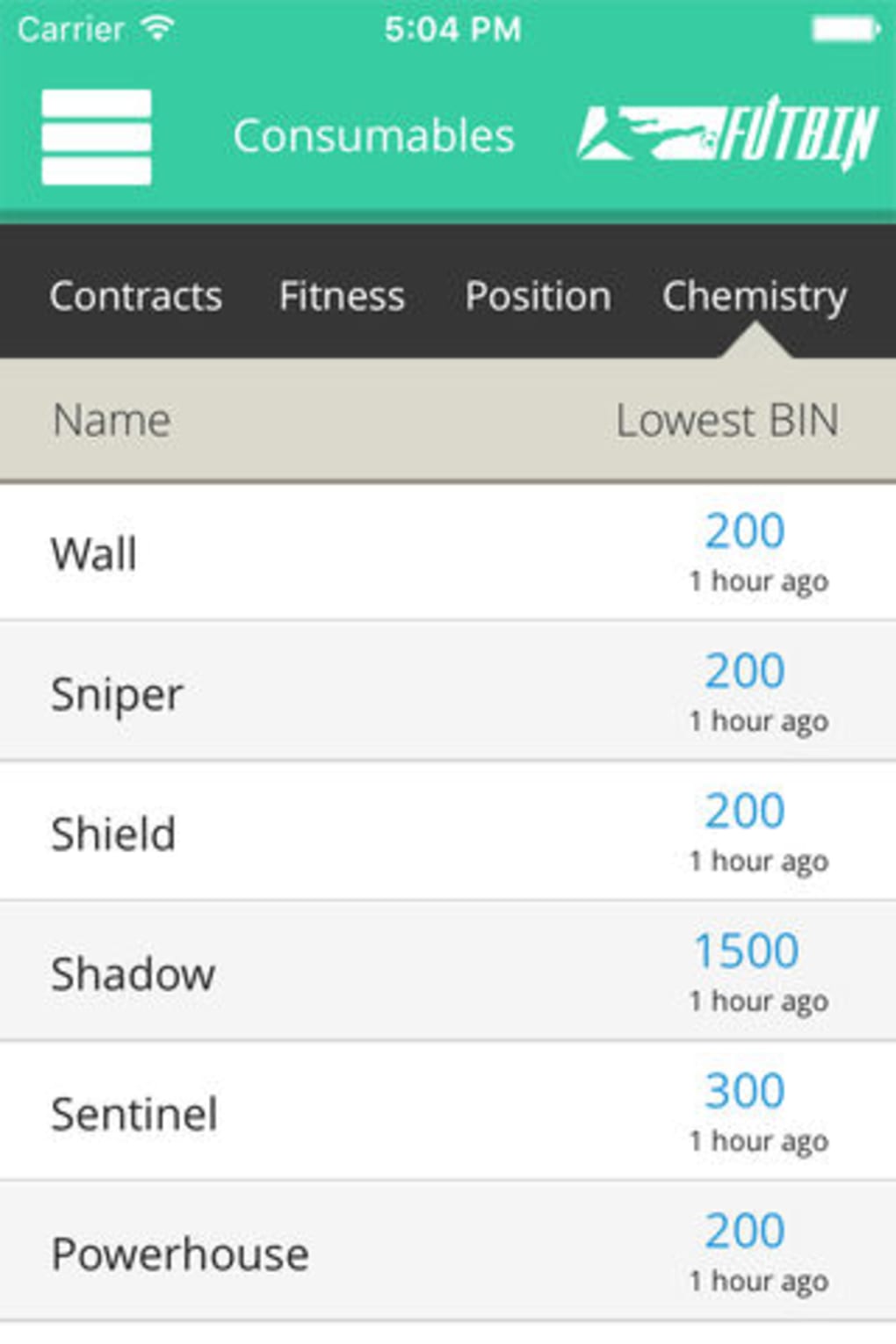
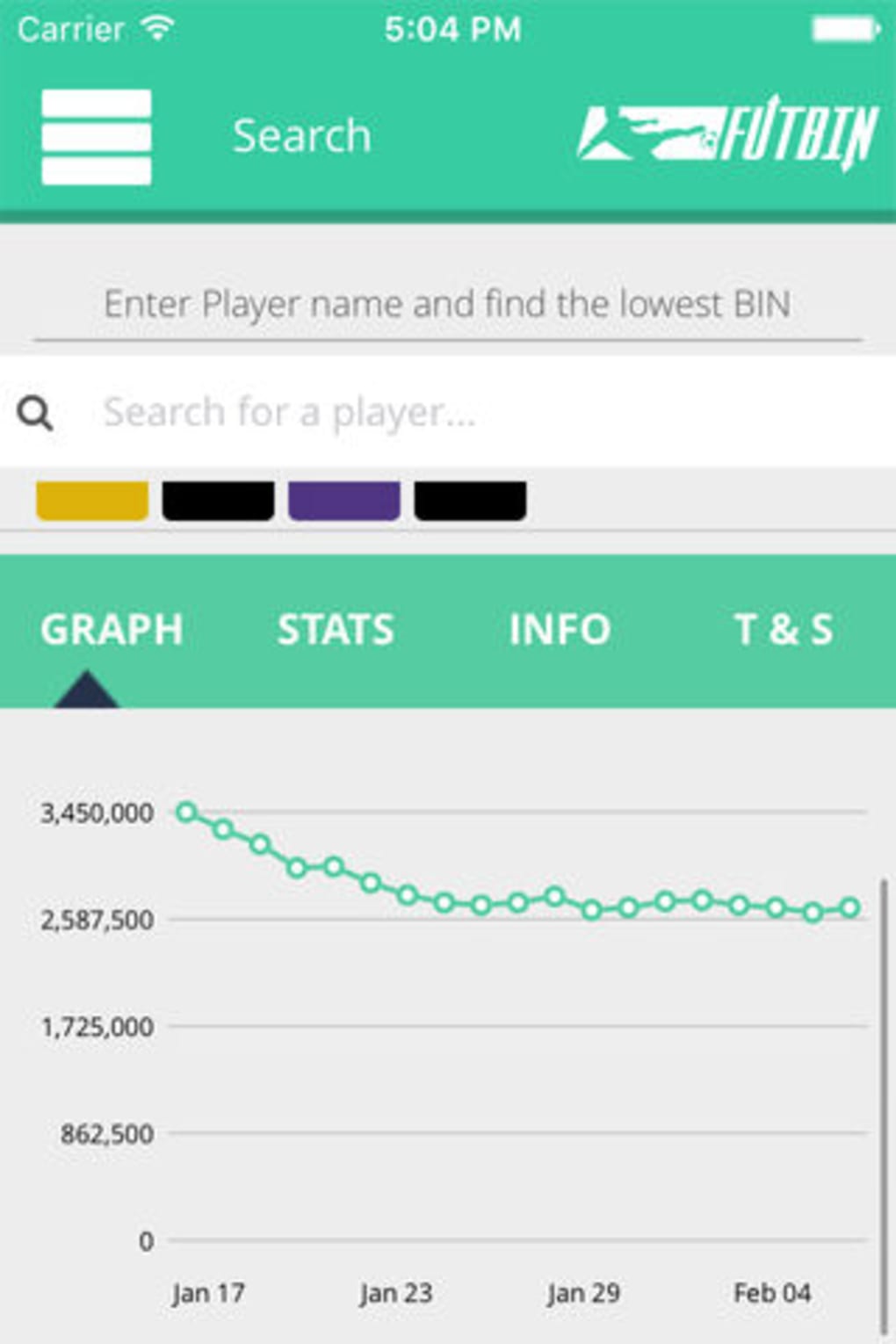
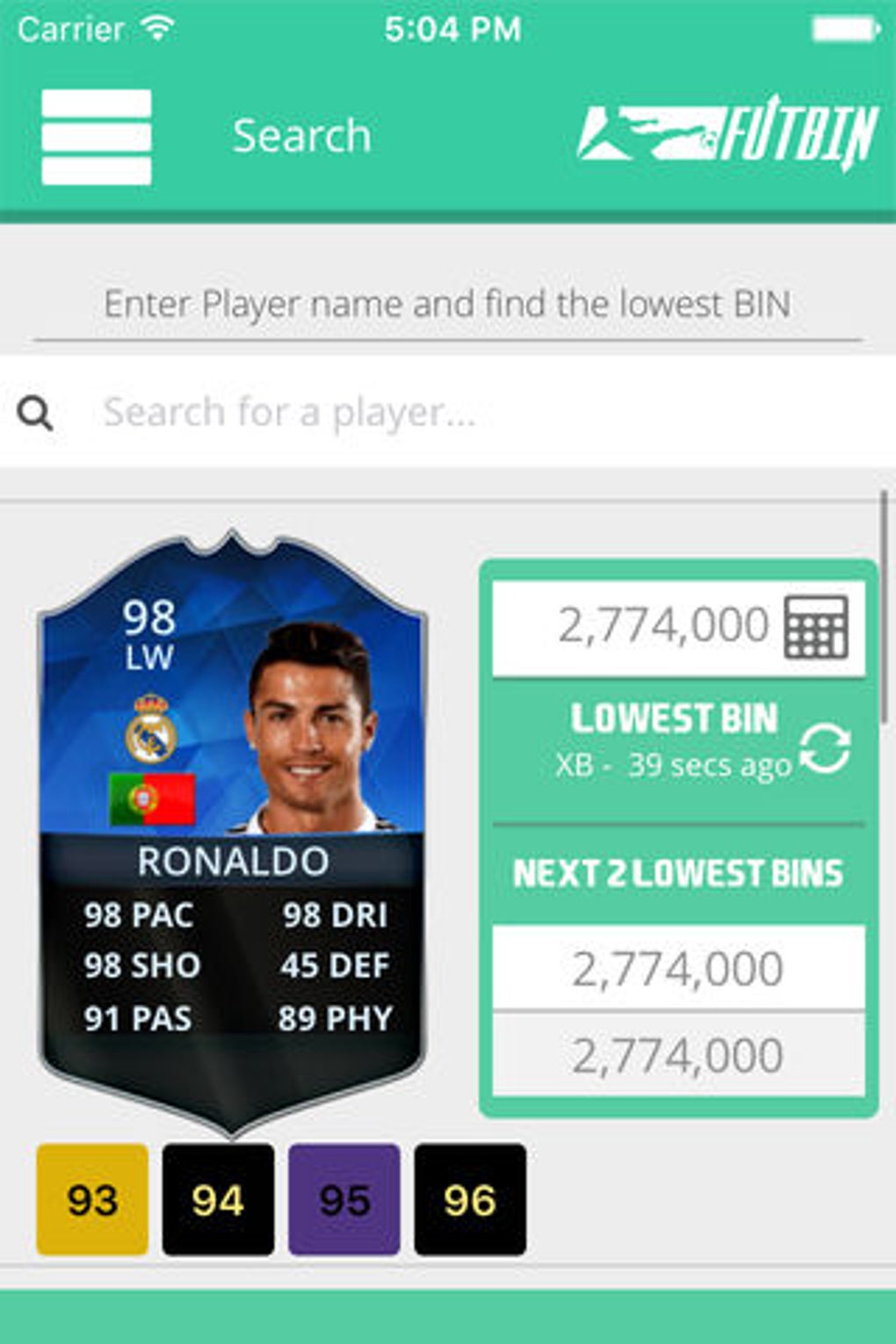
- Price Tracking Integration: Displays the total squad value and individual player prices across different platforms, aiding in budget-conscious drafting.
- Squad Saving & Sharing: Users can assign custom names to squads and save them for later use. The ability to share squads supports community engagement and strategy exchange.
- Positional Analysis: The Draft Summary highlights top attackers, midfielders, and defenders, giving users insight into squad balance and potential weaknesses.
These features are especially beneficial during pre-draft planning, where users can test multiple combinations without committing in-game resources. The Chemistry Guide is particularly useful for new players navigating the updated system. The price tracking function helps users stay informed about market values, enabling smarter decisions when building value-driven squads.
User Interface, Workflow & Performance
The app features a clean, intuitive interface designed for mobile use, with logical navigation between squad creation, settings, and summary views. Players can easily switch between formations and assign players with minimal taps, supporting a smooth workflow. The layout prioritizes readability, with clear labels for positions, chemistry levels, and star ratings.
Workflow efficiency is enhanced by the ability to save squads and access them later, reducing the need to rebuild teams from scratch. The Draft Summary provides a concise overview of team strength, making it easy to assess performance at a glance. While the developer did not specify resource usage details, the app’s 45 MB size suggests a lightweight footprint, which typically correlates with efficient performance on modern mobile devices.
Performance observations are based on general software behavior patterns. The app appears stable in its current version, with no reported issues related to crashes or lag. It functions without requiring constant internet access, though some features may depend on online data for pricing. The overall user experience is designed to be seamless, with minimal delays during navigation and squad updates.
Compatibility & System Requirements
FUT 23 Draft Builder – FUTBIN is available on both iOS and Android platforms, ensuring broad accessibility for mobile users. The app is compatible with devices running the latest versions of these operating systems, though specific version numbers were not provided. The installation size is 45 MB, which is relatively small and suitable for most smartphones and tablets.
Exact system requirements were not listed. The developer did not provide additional system requirements beyond the supported platforms. This suggests the app is optimized for a wide range of devices, including mid-range models. Hardware requirements are limited to standard mobile capabilities such as touch input, screen resolution, and internet connectivity for certain features.
Users should ensure their device meets the minimum requirements of their respective OS to run the app smoothly. Compatibility information is limited to platform support, and no details were provided about processor speed, RAM, or storage beyond the total file size.
Pros and Cons
Pros
- Free-to-use utility with no hidden costs
- Intuitive mobile interface for on-the-go squad planning
- Comprehensive Chemistry Guide for better team optimization
- Real-time Draft Rating and positional analysis
- Integrated price tracking across platforms
- Ability to save, name, and share squads with others
Cons
- No offline mode for price data (may require internet access)
- Updates may not introduce major new features
- Limited customization options beyond player selection and formations
- Dependent on external platforms for real-time pricing
- Not available on desktop or console platforms
FAQ Section
Is FUT 23 Draft Builder available for free?
Yes, the app is completely free to download and use, with no in-app purchases or subscription fees.
Can I use the app without an internet connection?
Basic squad building and drafting can be done offline. However, features like real-time pricing and player data updates require an active internet connection.
Does the app work on both iOS and Android?
Yes, the app is available on both iOS and Android platforms, making it accessible to a wide range of users.
How often are updates released?
Updates are released periodically to maintain compatibility with FIFA 23 and to include minor improvements. Major feature overhauls are not expected in every update.
Is the app safe to use with my FIFA 23 account?
Yes, the app does not require login credentials or access to your FIFA 23 account. It operates as a standalone tool for planning and strategy, posing no security risk.
Final Thoughts + CTA
FUT 23 Draft Builder – FUTBIN is a must-have utility for any FIFA 23 player aiming to build competitive and efficient squads. Its intelligent design, combined with a clear focus on the game’s chemistry system and pricing data, makes it a valuable companion for both new and experienced users. While it doesn’t introduce groundbreaking changes from its predecessor, the incremental improvements enhance usability and decision-making.
Players who frequently participate in drafts or want to optimize their team performance will benefit most from this tool. It streamlines the squad-building process, reduces guesswork, and supports informed choices through real-time analytics. The ability to save and share squads further strengthens its role in the FIFA 23 community.
Download FUT 23 Draft Builder now to elevate your FIFA 23 experience with smarter, faster, and more strategic squad planning.







